
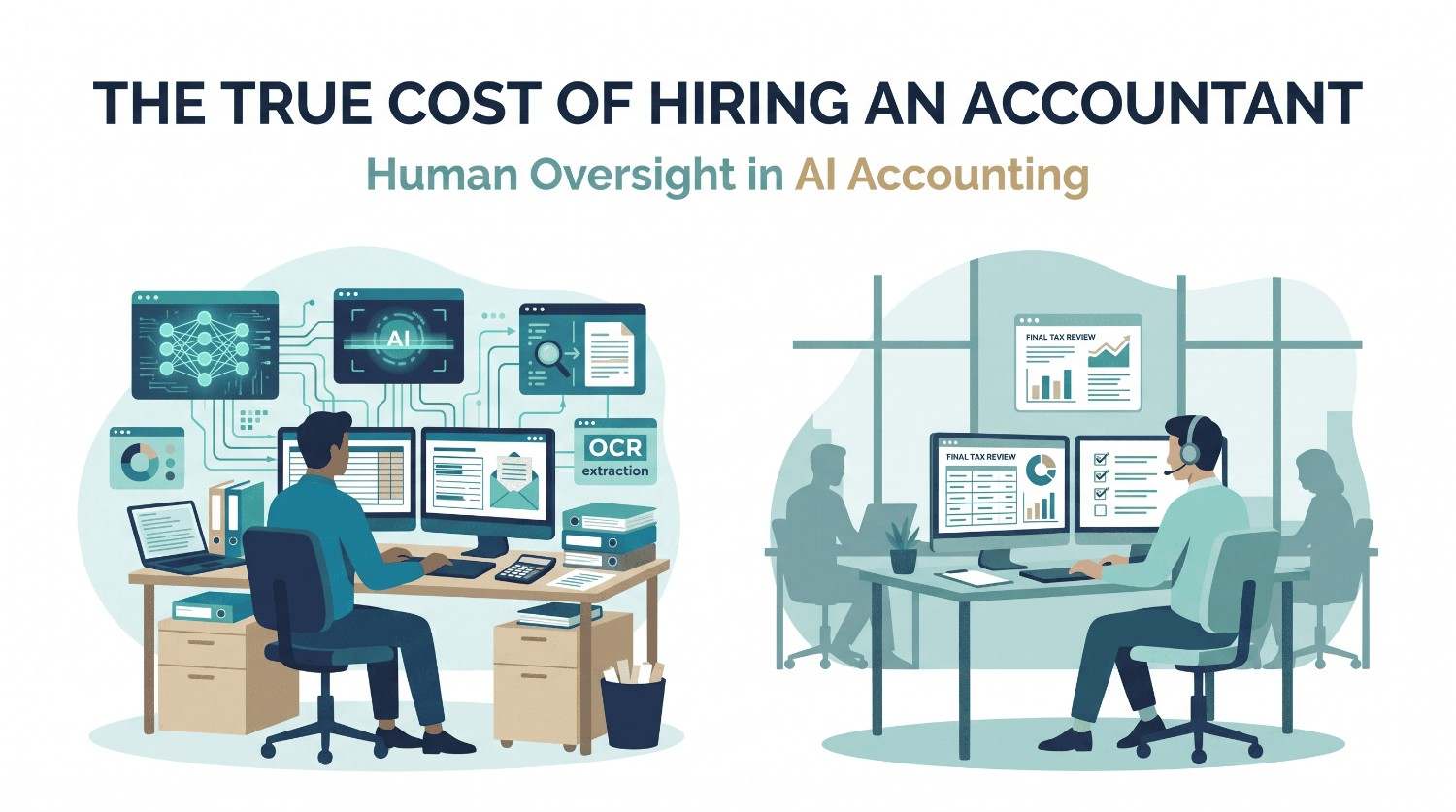
A few years ago in the USA, most CPA firms treated artificial intelligence as something for big tech companies. That has changed fast. Today, AI in accounting is part of daily work at firms of every size across the United States—often implemented alongside outsourced tax preparation services to maximize workflow efficiency. Staff use it to read documents, sort transactions, draft emails, and summarize long files. Partners ask about it at every planning meeting.
The interest makes sense. The profession is short on people, deadlines are tight, and clients expect faster answers. AI accounting tools promise to take the repetitive work off your team. But there is a catch that every firm owner needs to understand. AI makes mistakes, and it makes them in a confident voice. If nobody checks the output, those mistakes end up in a client's tax return or financial statements.
This post explains where AI helps, where it can hurt, and how to build a process that uses both machines and people the right way. It also covers how offshore accounting teams fit into that process, since many US firms now use them to add review capacity during busy periods.
What AI in Accounting Looks Like in USA Today
When people say AI in accounting, they usually mean a few different things.
The first is machine learning, which has been around for years. It powers tools that learn how you code transactions and then suggest the same coding next time. Bank feed categorization in most bookkeeping software works this way.
The second is OCR, or optical character recognition. This reads text from scanned documents such as W-2s, 1099s, bank statements, and invoices, and turns them into data you can use. Newer tools combine OCR with machine learning so they can handle messy layouts and different formats.
The third is generative AI. This includes ChatGPT and other tools built on large language models. These models write and summarize text. They can draft a client email, explain a tax rule in plain English, or pull key terms out of a contract. They do not calculate or look up facts the way accounting software does. They predict the next likely words based on patterns they learned in training. That one fact explains most of the risk we will talk about below.
All three types fall under the larger umbrella of accounting automation. Some of it is simple, like rules that match a bank deposit to an invoice. Some of it is more advanced, like a tool that reads a stack of PDFs and fills in a workpaper. Knowing which type you are using matters, because each one fails in a different way.
Where AI Accounting Tools Work Well
AI is good at tasks that are repetitive, high volume, and based on clear patterns. In those areas it can save real time.
Data extraction and document intake
Tax season starts with paper and PDFs. Someone has to open each file, read the numbers, and key them into software. Data extraction tools do the first pass for you. They read the document, pull out the figures, and place them in the right fields. For AI data entry accounting work, this can cut hours from the intake stage. Document extraction also helps with bank statements, vendor bills, and payroll reports.
AI bookkeeping and transaction coding
AI bookkeeping tools suggest categories for transactions and flag items that look unusual. After a few months of training on your chart of accounts, they get most routine entries right. That leaves your staff to focus on the exceptions instead of coding every line.
Reconciliation
Matching bank activity to the general ledger is slow work. Software can now match most items automatically, even when amounts or descriptions are slightly off. Your team only has to look at the items the system could not match.
Error detection
AI can scan a full year of entries and flag duplicates, odd amounts, and entries posted to the wrong period. It can spot patterns a person would miss after hours of staring at a spreadsheet. Used this way, it works like a second set of eyes.
Drafting and summarizing
Generative AI is useful for first drafts of client emails, meeting notes, and engagement letters. It can also summarize a long IRS notice or a vendor contract so your staff knows what to look at first.
In all of these cases, the AI does the first pass and a person does the final decision. That pattern comes up again and again in firms that use AI well.
Hallucination Risk and Why AI Cannot Work Alone
Hallucination risk is the biggest reason to keep people involved. A hallucination is when an AI tool states something that sounds correct but is not true. It might quote a tax code section that does not exist, cite a court case that was never decided, or make up a number that looks reasonable.
This happens because large language models do not know whether something is true. They produce text that fits the pattern of a good answer. If the pattern calls for a citation, the model may create one.
Here are a few ways this shows up in accounting work.
- A tool summarizes a depreciation rule and gets the limit wrong for the current year.
- An extraction tool reads a 1099 and swaps two digits in an account number.
- A model explains a state filing requirement based on an old law that has since changed.
- A categorization tool puts a personal expense into a business account because the vendor name looked familiar.
None of these errors look strange on the screen. That is what makes them dangerous. A tired reviewer at 9 PM in October can easily approve them.
The cost of getting it wrong is high. A bad return can lead to penalties for your client, a notice from the IRS, and a hit to your firm's reputation. Under Circular 230 and AICPA standards, the CPA signs the work. The tool does not take the blame. This is why human verification is not optional. It is part of your professional duty.
Is AI Safe for Tax Preparation
Many CPAs ask a simple question. Is AI safe for tax preparation? The honest answer is that it can be, if you set it up with care.
AI tax preparation tools can read source documents, organize client data, and prepare a draft return. That draft can save a lot of time. But there are three areas where safety depends on your process and not on the tool.
Accuracy. Tax rules change every year. Tools trained on older data may not know about new thresholds, credits, or phase-outs. A person who knows the current rules has to confirm that the numbers and positions are right.
Judgment. Many tax decisions are not black and white. Whether a client qualifies for a credit, how to treat a gray area expense, or how to handle a multi-state allocation takes professional judgment. AI can lay out options, but it cannot take responsibility for the choice.
Privacy. Tax returns hold Social Security numbers, bank details, and income records. Under IRC Section 7216, preparers face rules on how they use and share this data. The FTC Safeguards Rule adds data security requirements. If you paste client data into a public AI tool, you may break those rules and expose your client's information. Always check how a tool stores data, whether it trains on your inputs, and what security certifications the vendor holds.
So the answer is this. AI is safe for tax preparation when it is a helper inside a controlled process, when the vendor protects the data, and when a qualified person reviews every return before it goes out.
A Human in the Loop Accounting Workflow
The phrase human in the loop means that a person reviews and approves what the AI produces before it moves forward. It sounds simple, but it works only if you build it into your process on purpose. Here is a human in the loop accounting workflow that many firms use as a starting point.
Step 1. Define what AI is allowed to do
Write down which tasks can use AI and which cannot. For example, you might allow AI for document extraction and first-draft emails but not for final tax positions or anything involving client data in a public tool.
Step 2. Run the AI pass
Let the tool do the first round of work. This could be extracting data from source documents, coding transactions, or drafting a workpaper.
Step 3. Do accuracy checks
A preparer compares the output to the source. This means checking totals, spot checking line items, and tying numbers to the original documents. Accuracy checks should be specific. Do not just ask someone to look it over. Give them a checklist.
Step 4. Review by a second person
A more senior team member reviews the work, focusing on judgment calls, unusual items, and anything the tool flagged as low confidence.
Step 5. Reviewer sign-off
The reviewer signs off in your system, with a name and a date. This creates an audit trail that shows who checked what and when. If a client or regulator asks questions later, you can show exactly how the work was reviewed.
Step 6. Track errors and adjust
Keep a simple log of mistakes the AI made and mistakes people caught. Over time, you will see where the tool is strong and where it is weak. Use that to adjust your checks and your prompts.
This process is the heart of AI accounting with human review. The AI speeds up the work, and the people protect the quality.
Prompts for Accountants
The quality of what you get from a generative AI tool depends on what you ask. This is where AI prompt engineering comes in. It sounds technical, but it just means writing clear instructions. Good prompts for accountants share a few traits.
Give the tool a role and context. Tell it who it is helping and what the task is. A prompt like "You are helping a US CPA firm prepare a summary of a client's 2025 bank activity" works better than "summarize this."
Be specific about the output. Say what format you want, how long it should be, and what to include. For example, "List all transactions over $5,000 with the date, vendor, and amount in a table."
Tell it what not to do. Add rules such as "Do not guess. If a number is not in the document, say it is missing." This lowers the chance of made-up answers.
Ask it to show its work. Prompts like "Explain how you arrived at each total" make it easier for a reviewer to check the logic.
Remove client identifiers. Before using any outside tool, remove names, Social Security numbers, and account numbers unless the tool is approved for sensitive data and covered by your security policy.
Here are a few simple examples your team can adapt.
- "Read the attached bank statement and list every deposit and withdrawal. Do not combine items. If any line is unclear, mark it as unclear."
- "Summarize this IRS notice in plain English for a client. List the deadline and the action required. Do not give tax advice."
- "Review this trial balance and list any accounts with balances that look unusual compared to last year. Explain why you flagged each one."
Even with strong prompts, the output still needs review. A good prompt lowers errors. It does not remove them.
How CPAs Use AI Safely
If you are wondering how CPAs use AI safely, the firms getting good results tend to follow the same habits.
- They write an AI policy. It covers approved tools, banned uses, data handling rules, and who is responsible for oversight.
- They use business-grade tools. Consumer versions of chatbots may store or learn from your inputs. Business plans usually offer stronger data controls and contracts.
- They train their staff. Everyone from interns to partners learns what AI can do, where it fails, and how to write clear prompts.
- They keep the CPA in charge. The licensed professional makes final calls on tax positions, audit conclusions, and financial statements.
- They document everything. The audit trail shows what the AI did, what a person changed, and who approved the final result.
- They tell clients when it matters. Some engagement letters now include language about the use of AI tools. Check with your professional liability carrier and your state board for guidance.
- They start small. Rather than rolling AI out across every service, they test it on one workflow, measure results, and expand when they trust the process.
AI and Offshore Accounting Teams
AI does not replace the need for skilled people. It changes what those people spend their time on. This is one reason AI and offshore accounting teams work well together.
An offshore accounting team can handle the review side of the workflow. While AI tools handle extraction and first drafts, trained accountants check the output, tie numbers to source documents, and prepare clean workpapers. Because the work moves between the US and India overnight, a US manager can send files at the end of the day and have reviewed work waiting the next morning.
This setup helps in a few ways.
- More review capacity. AI creates more output faster, which means there is more to review. An offshore accounting team gives you extra hands for accuracy checks without adding to your local payroll.
- Lower cost per review hour. Hiring and keeping US accountants is expensive. Offshore accounting costs less, which makes a multi-step review process affordable for firms of all sizes.
- Peak season relief. During the March and October deadlines, your team can send overflow work and keep clients on schedule.
- Consistent process. A dedicated offshore accounting team learns your checklists, your software, and your standards, so the quality stays steady from one season to the next.
Of course, offshore support needs the same controls as any other part of your process. Look for a provider that offers clear data handling rules, SOC 2 compliance, secure remote desktops, signed confidentiality agreements, and proper client consent where Section 7216 applies. Ask how their team uses AI, who reviews the results, and how they document sign-off.
Data Privacy and SOC 2
Data privacy is where many AI projects run into trouble, so it deserves its own check.
Before you use any AI tool or outside team with client information, ask these questions.
- Where is the data stored, and who can access it?
- Does the vendor use your data to train its models?
- Is data encrypted when stored and when sent?
- Does the vendor have a current SOC 2 report, and what does it cover?
- Can you delete your data when the work is finished?
- Does the provider use multi-factor authentication and access logs?
A SOC 2 report does not guarantee perfect security, but it shows that an independent auditor tested the vendor's controls. It is a reasonable starting point for any vendor review. Pair it with your own due diligence and keep a record of what you checked.
Quality Control Habits That Keep Errors Low
Quality control should feel like a normal part of the job and not an extra burden. A few habits make a big difference.
Sample your work. Even when the AI seems accurate, pull a random sample of items each week and verify them against source documents. If the error rate rises, you will see it early.
Set clear thresholds. Decide that any item above a certain dollar amount, or any item the tool marks as low confidence, goes to a person for a full review.
Keep prompts consistent. Save the prompts that work well and share them with the team. This keeps results more uniform.
Update your checks each year. Tax rules, tools, and models change. Review your checklists before each busy season.
Watch for overreliance. When AI is right 98 times out of 100, reviewers can get lazy. Rotate reviewers, and remind the team that the two misses are the ones that matter.
Questions to Ask Before You Start
Before you add AI to a service line, talk through a few questions as a firm.
- Which tasks take the most time and follow the clearest rules?
- What would a mistake cost us on this task?
- Who will review the output, and do they have time to do it well?
- What data will the tool see, and is it covered by our security policy?
- How will we measure whether the tool is saving time or just moving the work around?
- Do we need extra review support during busy months?
If you cannot answer these, wait until you can. A slow start is better than a fast mistake.
AI in accounting is not a fad, and ignoring it is no longer a safe choice. The tools are getting better each year, and clients will expect faster, cleaner work. But the best results come from firms that treat AI as a fast assistant and not as a replacement for professional judgment.
Build a clear human in the loop process. Write good prompts. Protect client data. Keep an audit trail with reviewer sign-off. And make sure you have enough skilled people, whether in your own office or on an offshore accounting team, to check what the machines produce.
Done well, this approach gives you the speed of automation and the trust that comes from human verification. That is what your clients are paying for, and it is what keeps your firm's name safe.
If your firm needs extra review capacity for AI-assisted work, an experienced offshore accounting team can step in with trained staff, documented checks, and secure systems. Reach out to talk about how this could fit your workflow.
FAQs: AI in Accounting and Human Verification
1. How is AI used in accounting?
AI helps with data entry, transaction coding, bank reconciliation, error detection, and document summarization.
2. Why is human verification important in AI accounting?
Human verification helps catch errors, confirm accuracy, and protect the quality of financial records.
3. Is AI safe for tax preparation?
Yes, when firms protect client data and have qualified professionals review every tax return.
4. How can CPAs use AI safely?
CPAs should use approved tools, protect client information, train staff, and review AI-generated results.
5. How do offshore accounting teams support AI accounting?
Offshore accounting teams review AI-generated work, check financial data, and provide extra support during tax season.
